




Get an overview of employees' overtime or time off in lieu
With “Normal time” in Intempus, you as an administrator can get a clear overview of your employees' overtime and time off in lieu.

Do you know the rules for
overtime and time off in lieu?
Full overview with Standard time
Do your employees need to record their working hours? Then it's a good idea to set up a standard time for each employee. Then the system can keep track of whether they have worked more or less on a daily or weekly basis.
This way, time off in lieu can be automatically earned when the employee works beyond the agreed working hours, and time off in lieu can be deducted for less work.
See the absence rate
You also have the option to add absence percentage to your normal working hours overview. This allows you to easily see what percentage of working hours your employees have been absent for.
Absence rates can be set up to apply to all absence types, or just selected absence types such as ‘sick hours’. It's entirely up to you.
Here is an example where the absence rate is shown for employees who have set a standard weekly working time of 37 hours.

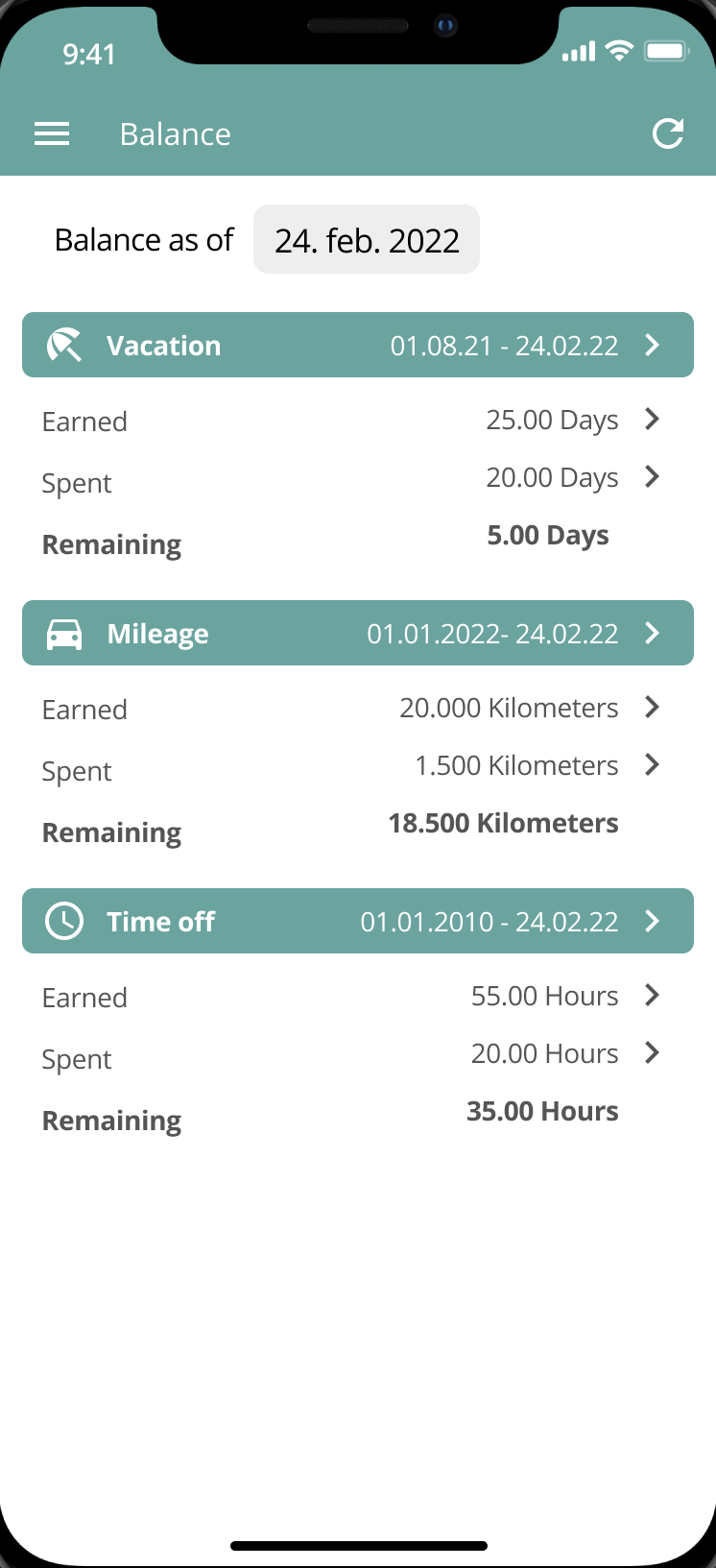
Easy registration of time off in lieu on the app
If an employee works beyond their normal working hours, they can register the extra work as time off in lieu.
At the same time, they have the option to use the time off in lieu when they want to take time off or leave early. This way, the system keeps track of the accounts for both you as an employee or administrator.